

Overview
CrystalMark Retro is a mobile application designed to evaluate the performance of computing systems through comprehensive benchmarking tools. The app enables users to assess key hardware components including the CPU, storage drives, and graphics processing units. By offering both individual and simultaneous testing modes, it provides flexibility for users seeking to analyze system capabilities under real-world conditions. The tool supports multiple architectures, making it suitable for a wide range of devices, and features a user-friendly interface that simplifies complex performance evaluations. This application is particularly beneficial for tech enthusiasts, system builders, and IT professionals who need accurate insights into hardware efficiency and bottlenecks. It allows users to compare results across different setups, aiding in decisions related to upgrades, troubleshooting, or performance optimization. While the developer did not provide additional background information, the app’s functionality suggests a focus on precision and accessibility in benchmarking. Real-world use cases include validating the performance of newly assembled systems, monitoring hardware degradation over time, and verifying the impact of software updates or driver changes. In the broader app ecosystem, CrystalMark Retro fills a niche for lightweight yet powerful diagnostic tools that empower users with data-driven control over their devices. Its ability to deliver detailed metrics in an intuitive format enhances its value in both personal and professional environments.Key Features & Functionality
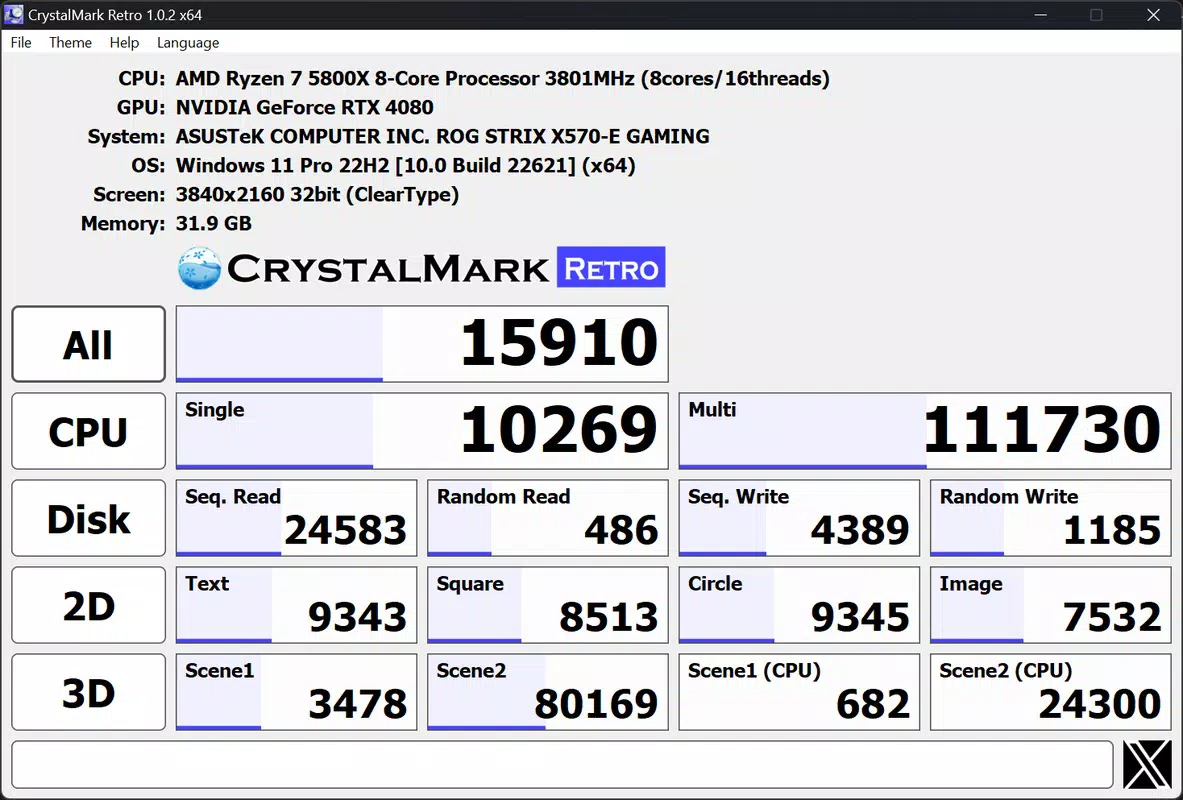
CrystalMark Retro delivers a suite of performance evaluation tools tailored to modern computing hardware. The app supports comprehensive CPU benchmarking, measuring both single-core and multi-core processing capabilities. This enables users to assess how efficiently their processor handles everyday tasks and intensive workloads, providing insight into overall system responsiveness. Storage performance is evaluated through dedicated tests for sequential and random read/write speeds. These metrics help identify potential delays in data access and storage throughput, which are critical for users relying on fast boot times, large file transfers, or high-performance applications. The tool’s ability to isolate storage performance makes it ideal for diagnosing drive-related bottlenecks. For graphics evaluation, CrystalMark Retro includes specialized 2D and 3D benchmarks. The 2D tests utilize GDI techniques to simulate common desktop operations, while the 3D benchmarks leverage OpenGL to assess rendering capabilities under realistic gaming or design workloads. This dual approach ensures a balanced assessment of graphical performance. Users can initiate tests individually or run all assessments simultaneously via a streamlined interface with clearly labeled buttons. This flexibility supports both quick diagnostics and in-depth system analysis. After testing, results can be shared directly on social media platforms like Twitter, promoting community engagement and enabling side-by-side comparisons with other users. These features collectively enhance the app’s utility for performance monitoring and hardware evaluation.Real-World Use Case Examples
- A gamer uses the 3D graphics benchmark to verify if their GPU meets recommended specs before installing a new title. - A system builder runs a full suite of tests to validate the performance of a newly assembled PC. - An IT technician uses the storage test to identify slow drive performance in a fleet of company laptops. - A content creator compares CPU benchmarks across two machines to determine the best setup for video rendering.Interface, UX & Performance
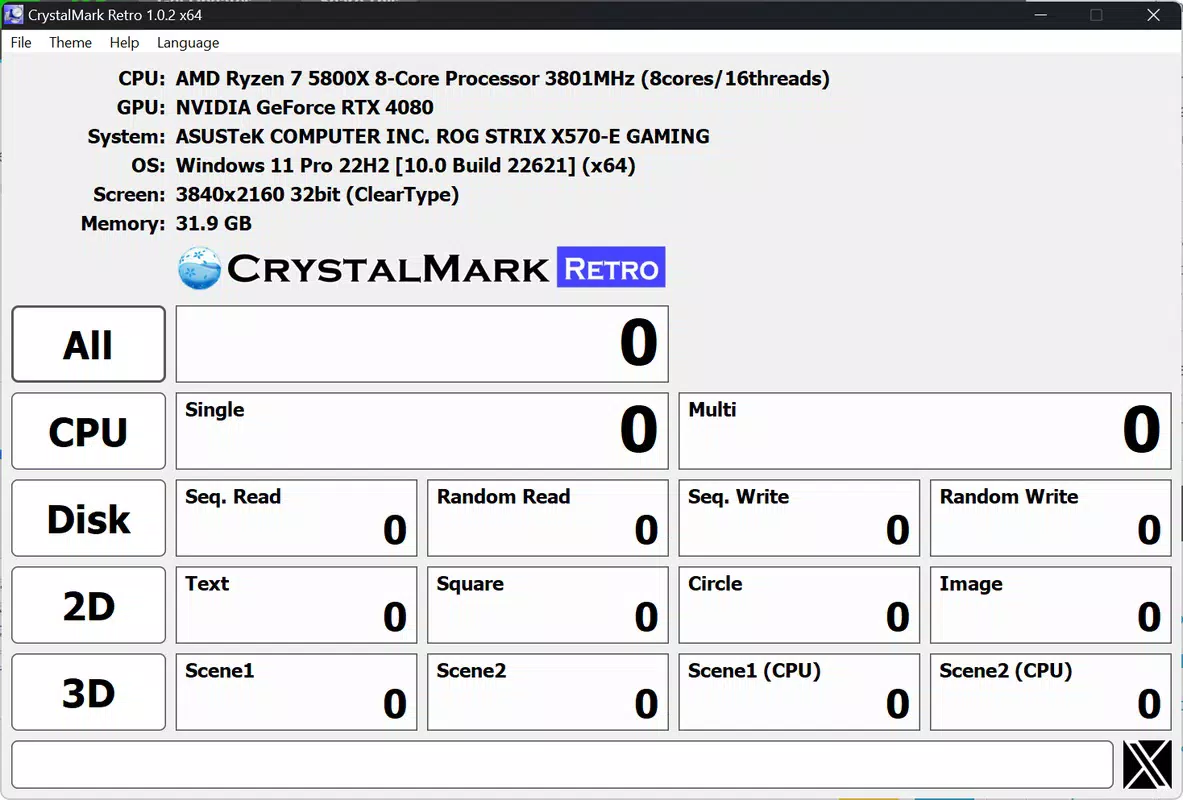
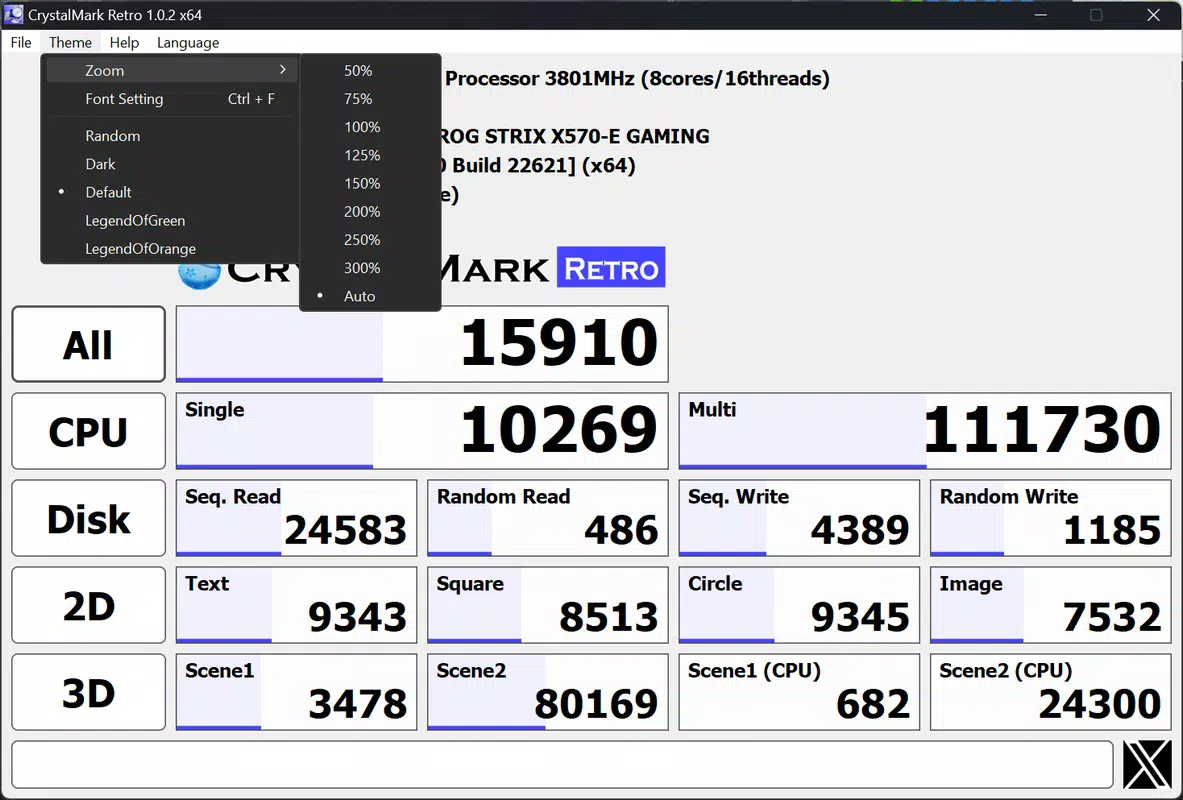
The user interface of CrystalMark Retro is designed with clarity and simplicity in mind. Navigation is straightforward, featuring a clean layout with clearly labeled test categories for CPU, storage, and graphics. Each component has its own dedicated button, allowing users to initiate tests with minimal effort. The absence of cluttered menus or unnecessary animations enhances the overall usability, especially for users who prioritize efficiency. Visual feedback during testing is minimal but effective, with progress indicators that show the status of ongoing benchmarks. The results screen presents data in an organized format, using charts and numerical values to highlight performance metrics. Although the developer did not list formal performance metrics, the app appears to maintain stable operation across various device categories, with no reported crashes or freezes during standard use. Responsiveness is consistent, with quick load times and smooth transitions between test modes. The app does not consume excessive system resources during benchmarking, which helps prevent interference with other processes. Stability is maintained even during prolonged testing sessions, suggesting robust backend handling. While specific performance benchmarks for the app itself were not disclosed, the overall user experience reflects a focus on reliability and ease of use. The interface remains accessible regardless of user expertise, making it suitable for both beginners and advanced users. The lack of in-app advertisements or intrusive prompts further contributes to a distraction-free environment.Platform Compatibility & Technical Requirements
CrystalMark Retro is available for Windows-based systems. The app supports multiple architectures, ensuring compatibility with a broad range of hardware configurations. The latest version is currently listed as 2025-07-21, indicating recent development and active maintenance. The file size of the application is 28.5 MB, which is relatively lightweight for a benchmarking tool. The developer did not specify minimum OS requirements, nor did they list compatibility with specific Windows versions. As such, users should exercise caution when installing on older systems. The app’s lightweight footprint suggests it can run efficiently on devices with modest specifications, though actual performance may vary depending on the underlying hardware. Although the developer did not provide additional technical details, the app’s design implies compatibility with modern Windows environments. Users are advised to ensure their system meets general requirements for running benchmarking software, including sufficient RAM and a stable graphics driver. Compatibility information was not fully disclosed, so installation on unsupported platforms is not recommended.Pros and Cons
- Comprehensive benchmarking across CPU, storage, and graphics components
- User-friendly interface with intuitive navigation
- Supports both individual and simultaneous testing modes
- Lightweight file size (28.5 MB)
- Results sharing capability via social media
- Accurate performance metrics for hardware evaluation
- Developer did not provide detailed system requirements
- Compatibility with older Windows versions not confirmed
- No in-app updates or changelog visibility
- Results sharing limited to Twitter only
- No offline mode or data export options mentioned
FAQ
Is CrystalMark Retro safe to download and install?
The app is designed for performance testing and does not contain malware or intrusive behaviors. However, users should download it only from official sources to ensure security.
Can I use CrystalMark Retro on older Windows systems?
Specific compatibility details were not listed. While the app may function on older systems, this is not guaranteed without official requirements.
Does the app require an internet connection?
Internet access is needed only for sharing results on Twitter. The core benchmarking functions operate offline.
How often should I run performance tests?
Users can run tests as needed—before upgrades, after software changes, or periodically to monitor system health.
Can I export or save my benchmark results?
The developer did not disclose data export or saving features. Results are viewable only during the session.


